
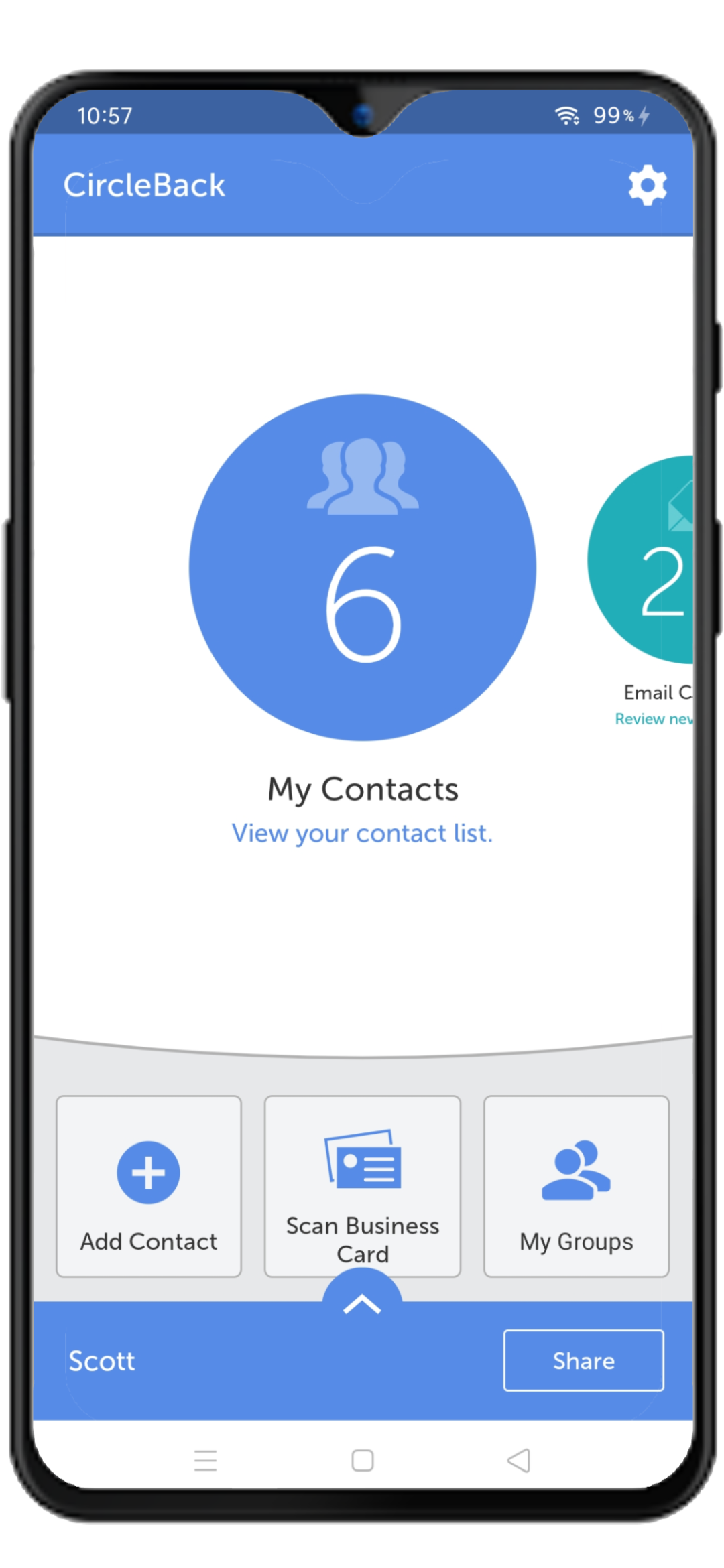
- Open the CircleBack app and then tap on My Groups.
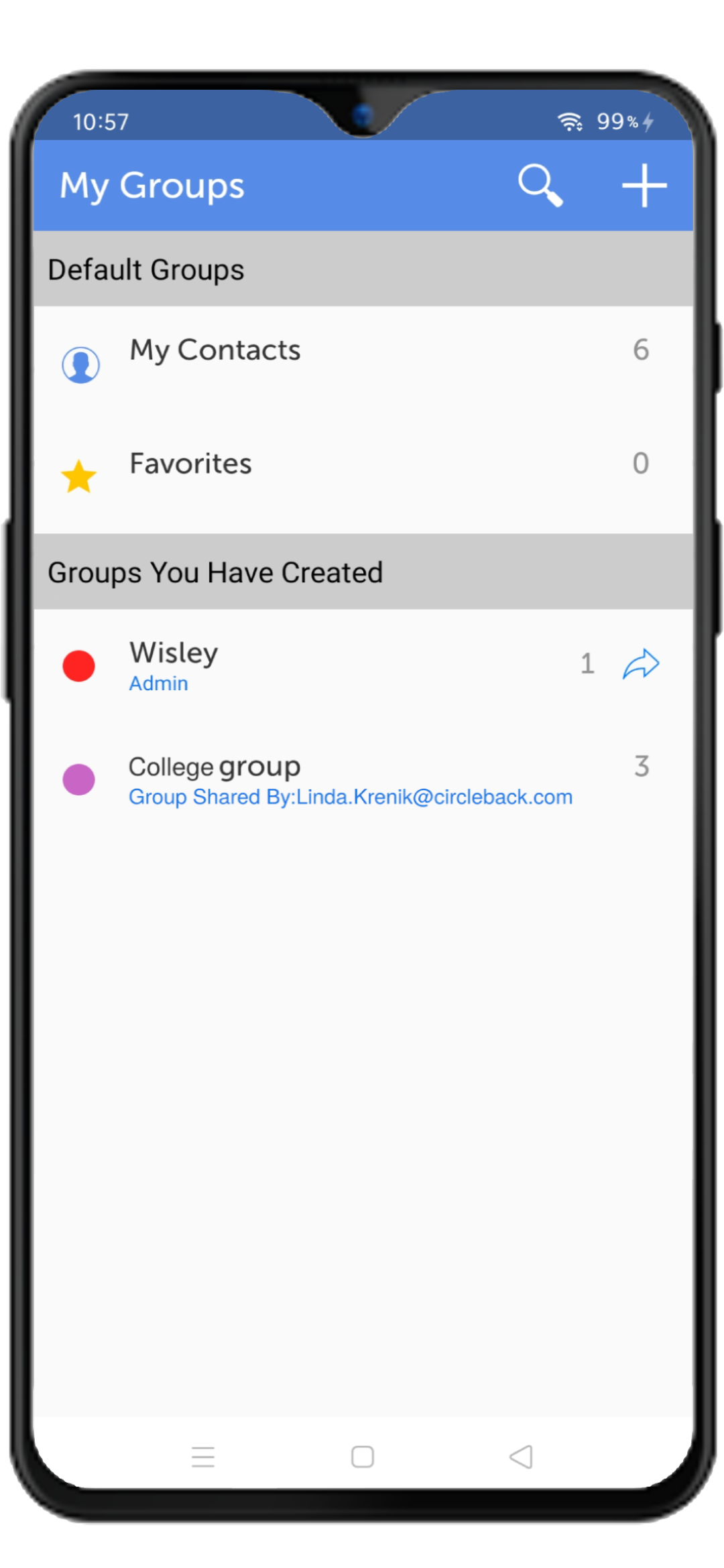
- On the next screen please tap on the group which you want to leave.
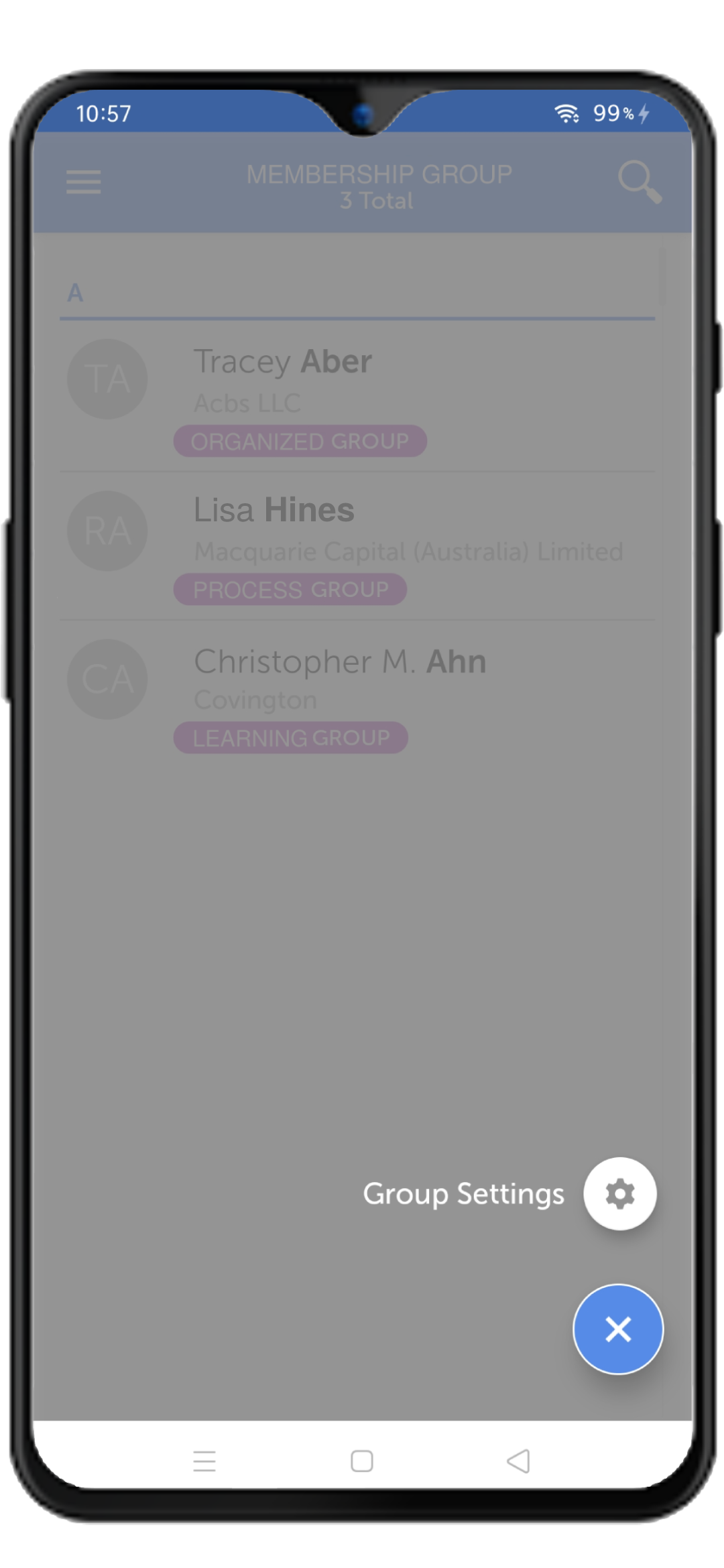
- On the next screen please tap on the options button (right bottom) and then tap on Group Settings.
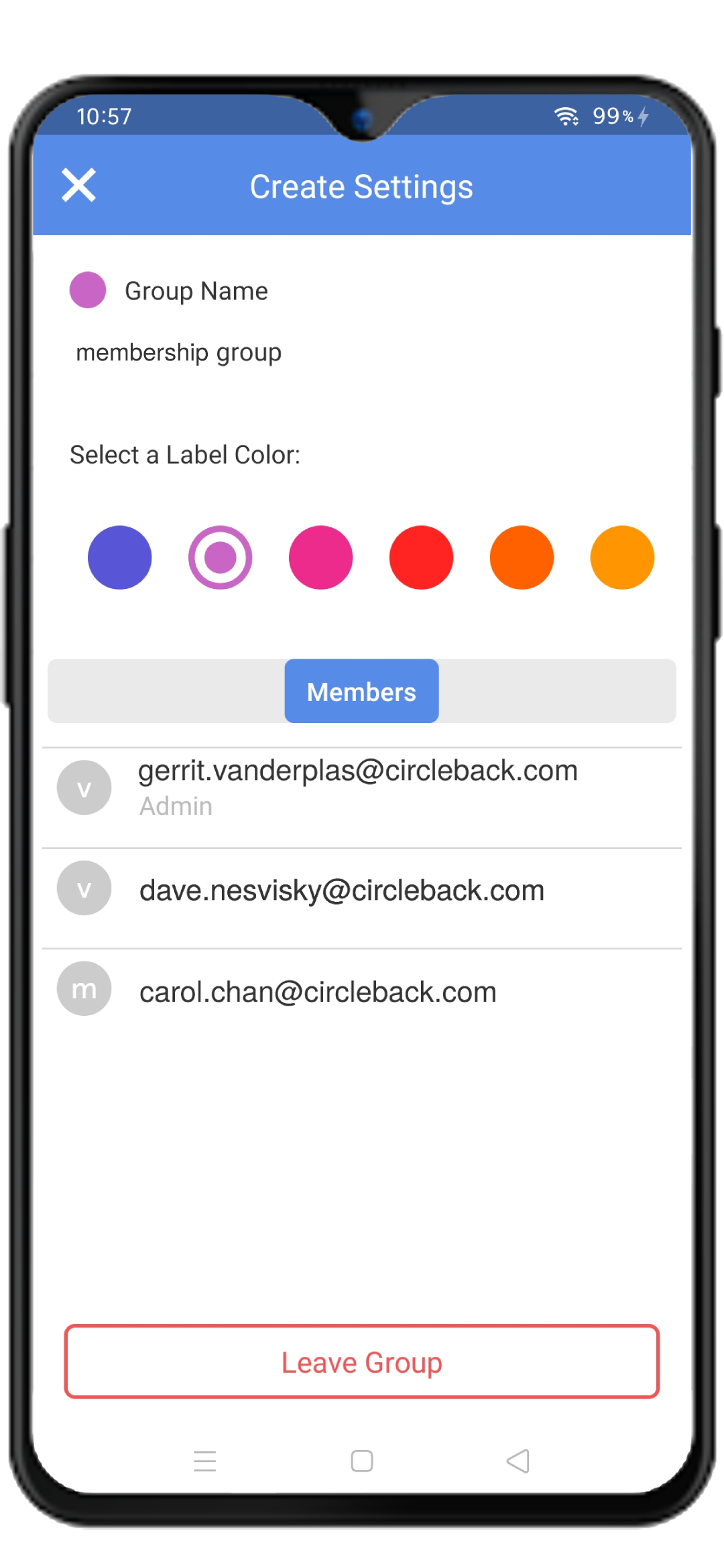
- On the next screen simply tap on Leave Group and then that’s it.
Comments
0 comments
Please sign in to leave a comment.